Every part of your shop, in one system
Stock, sales, customers, suppliers, cash, banks, cheques and reports share one set of records. Change something in one place and every ledger it touches updates with it.
13 modules, switch on what you use
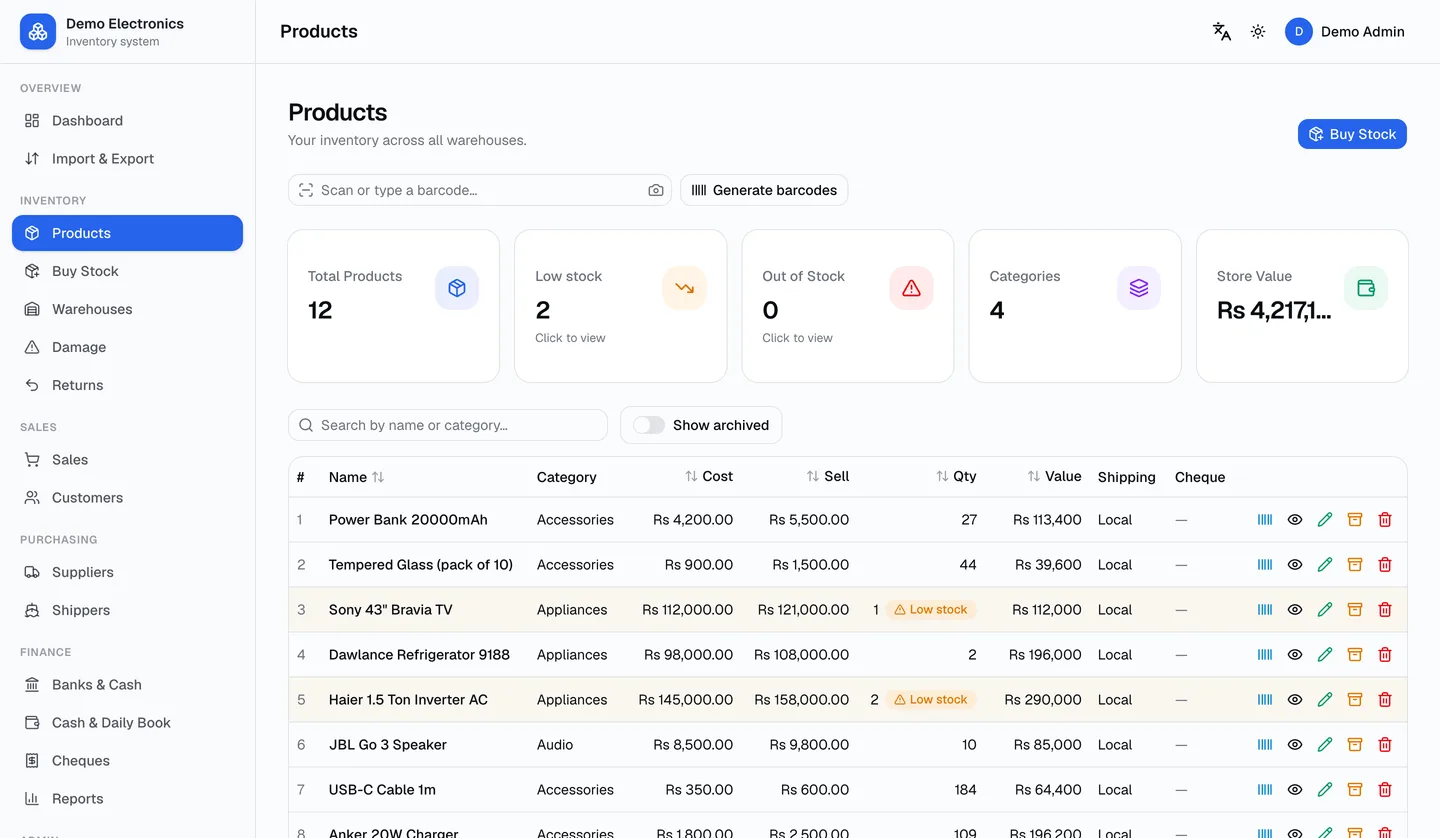
Stock & purchases
Every product with its cost, sell price, reorder point, barcode and stock per warehouse. Buy from suppliers on credit or pay at once — the supplier ledger, cash box and bank move together.
- Buy on credit, cash, bank transfer or cheque
- Stock per warehouse and transfers between them
- Low-stock alerts with reorder points
- Barcodes: scan to find, print labels
- International orders: in-transit stock and arrivals
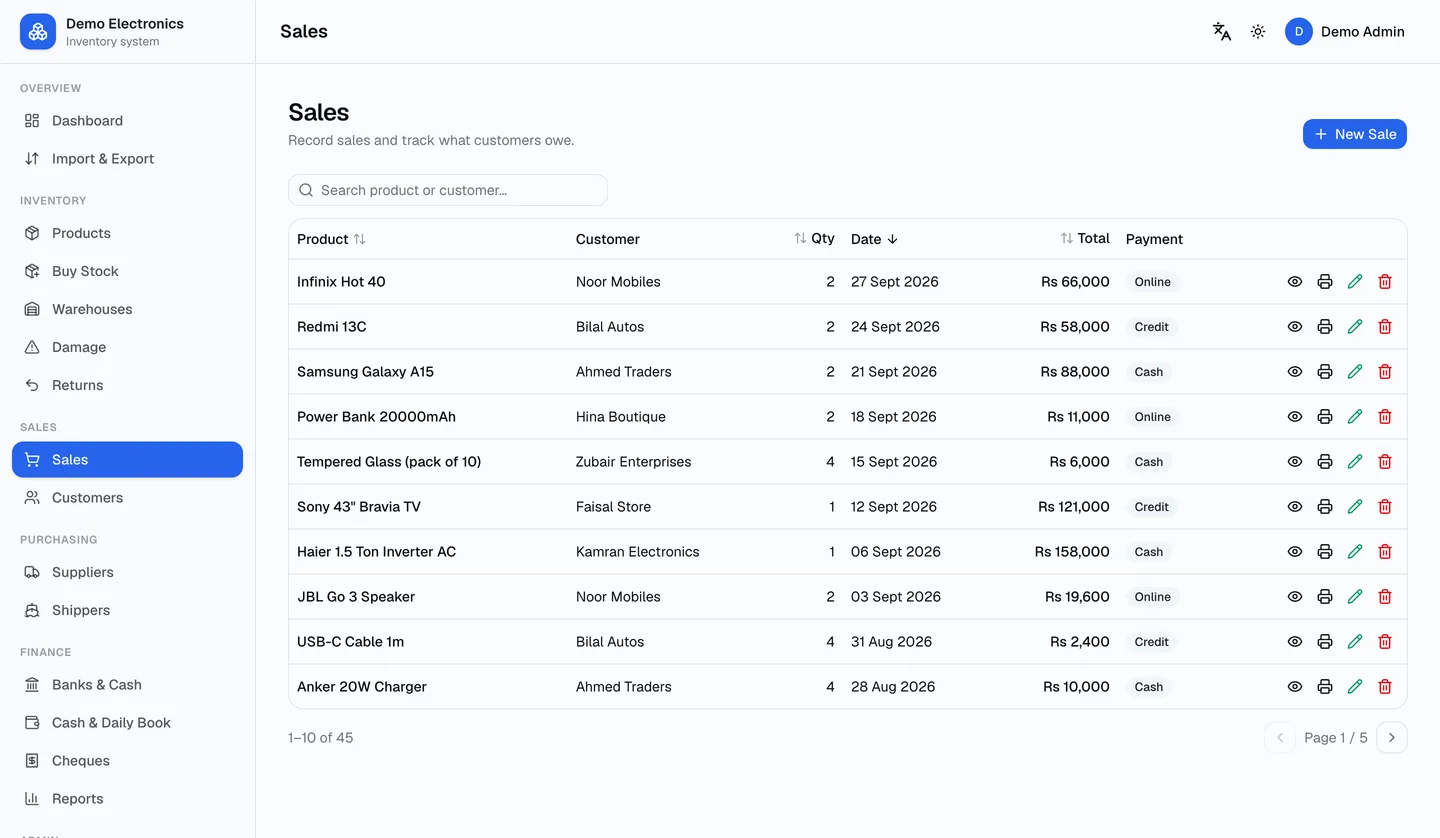
Sales & invoices
Make a sale in seconds. Stock goes down in the right warehouse, the customer's account updates, and the invoice, receipt or gate pass is ready to print or share.
- Cash, credit, bank and cheque sales
- Invoices, receipts and gate passes
- Edit or cancel a sale — money and stock are put back exactly
- Per-warehouse stock limits, never oversell
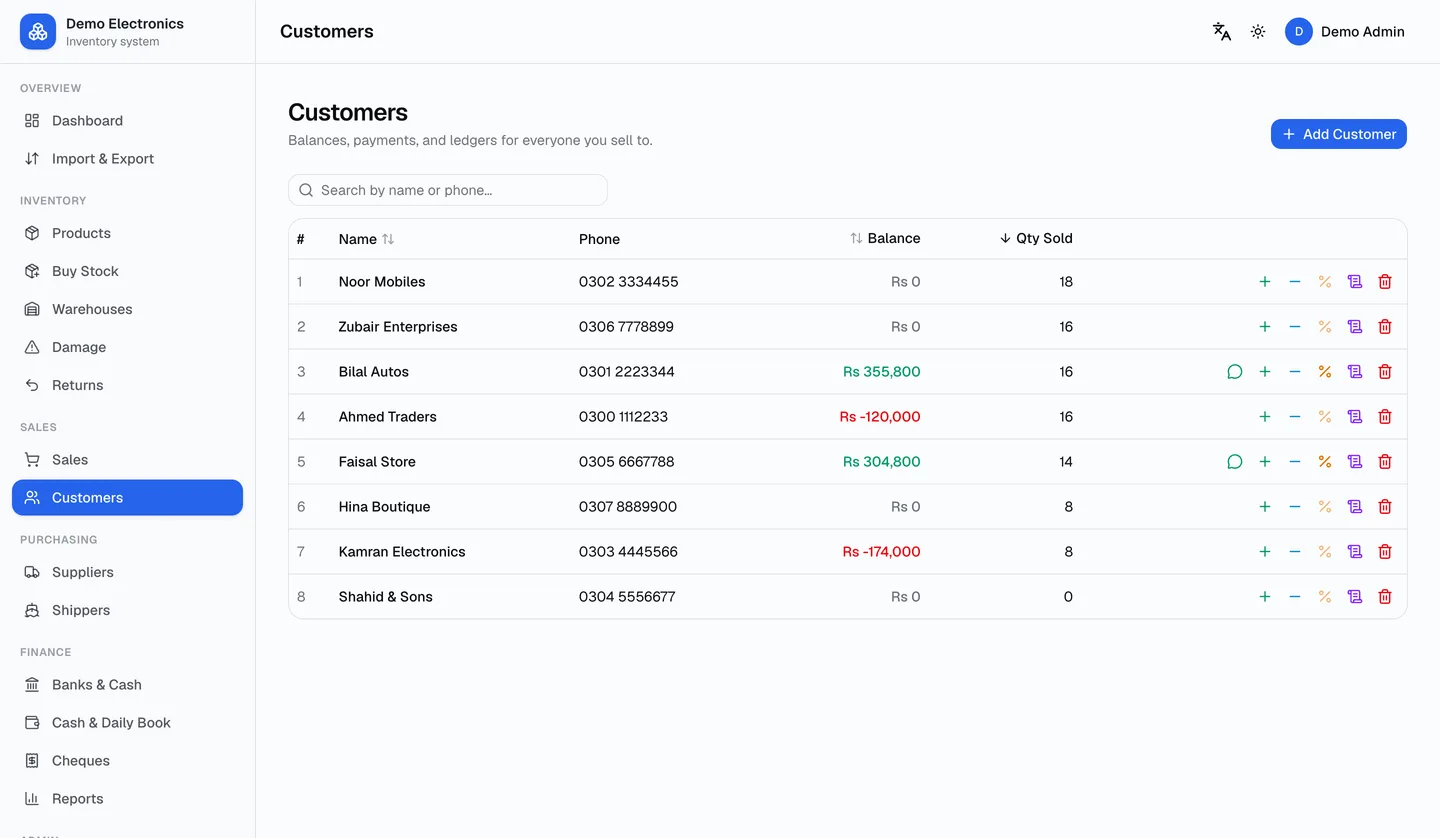
Customers & receivables
See exactly what each customer owes, when it fell due, and how they paid. Receive payments by cash, bank, cheque, or pass a cheque on to a supplier.
- Running-balance ledgers with every payment
- Cheques, bank transfers, cash and discounts
- Aged receivables: 30 / 60 / 90 days
- WhatsApp payment reminders
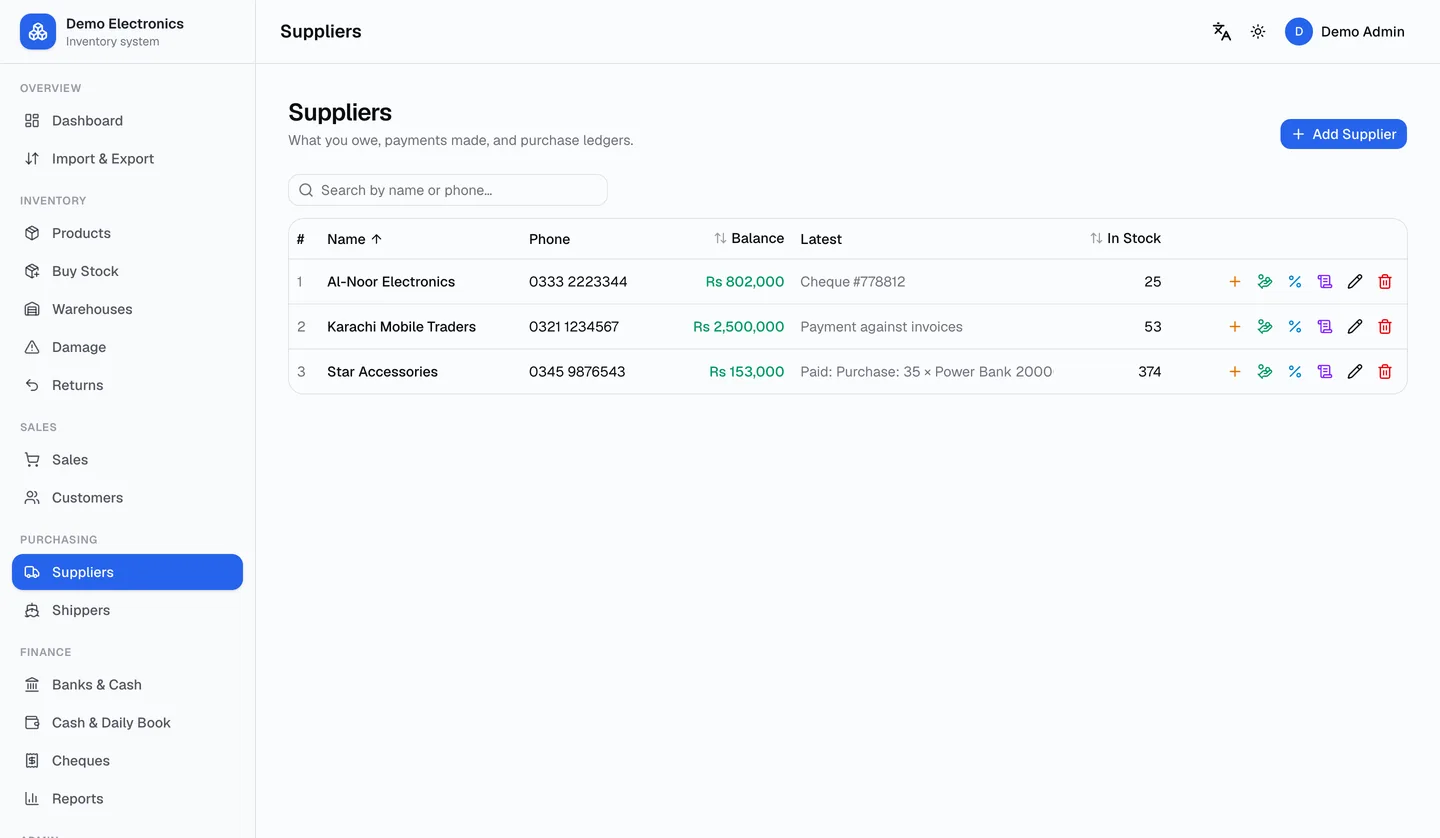
Suppliers & shippers
Supplier and shipper accounts with full ledgers: purchases on credit, payments, discounts, returns and refunds — each one recorded once and reversible.
- Pay by cash, bank, your own cheque or a customer's cheque
- Returns to suppliers with refunds
- Aged payables per supplier and shipper
- Shipping expenses flow into profit & loss
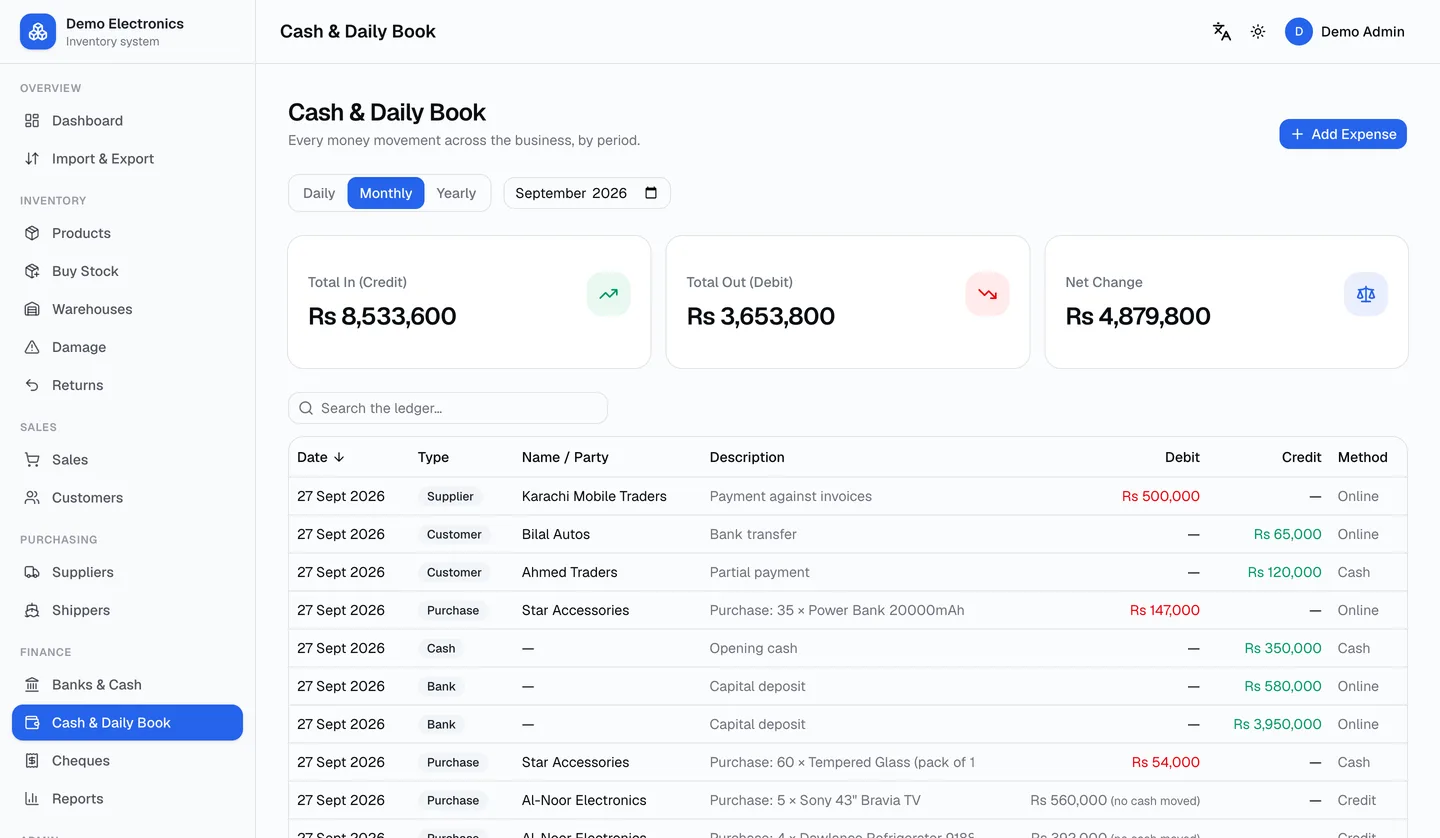
Cash, banks & daily book
Cash in hand and every bank account with their histories, transfers between them, and a daily book where the totals equal what actually moved that day.
- Cash box with append-only history
- Unlimited bank accounts, transfers in and out
- Daily book by day, month or year
- Expenses with receipt photos
Cheques
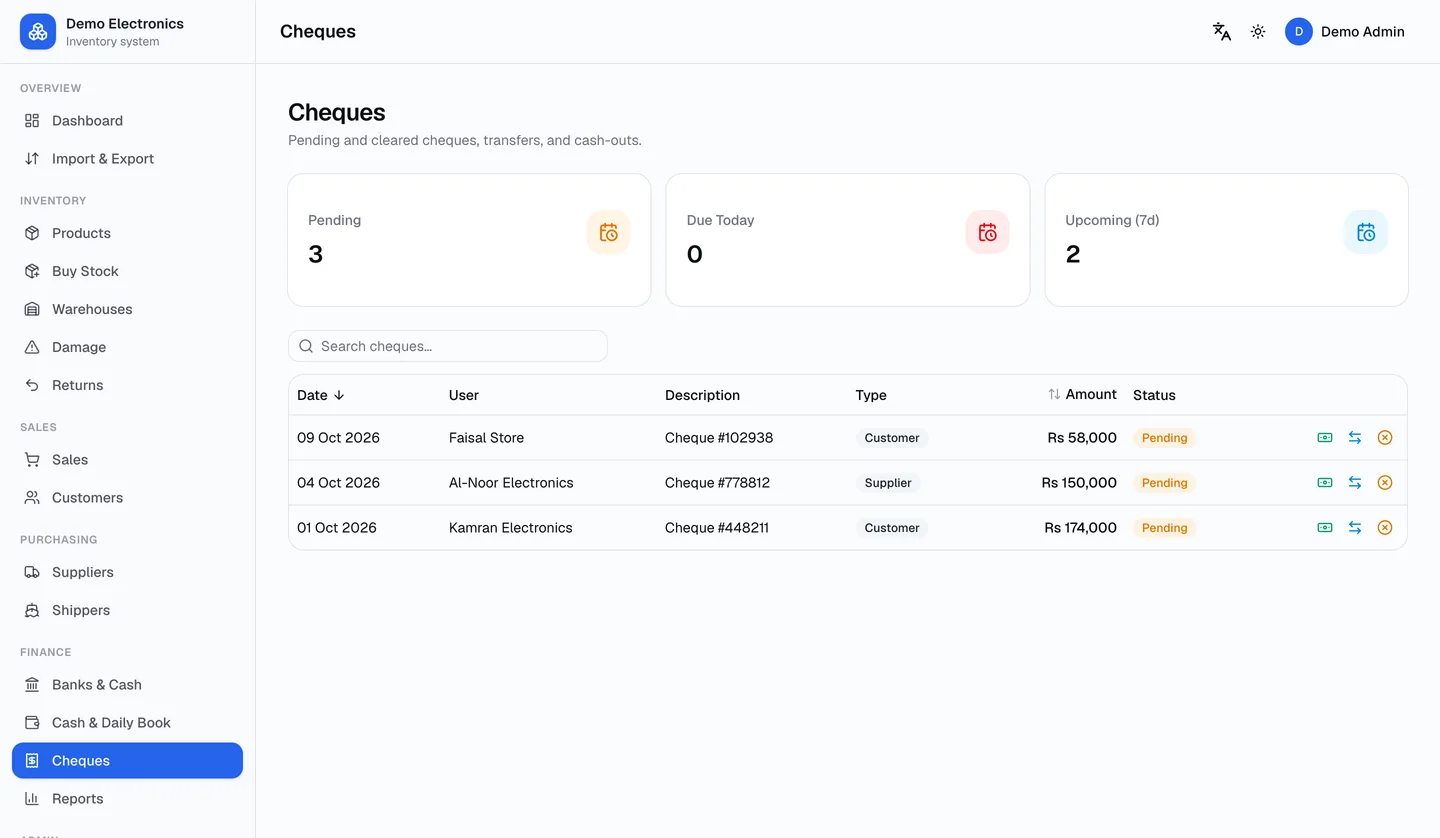
Record cheques received and issued, see what is due this week, clear them into a bank or the cash box, endorse them to a supplier, and cancel or return them without breaking a single balance.
- Due today and next 7 days at a glance
- Clear into a bank or cash, undo if it bounces
- Endorse a customer's cheque to a supplier
- Cheque photo attached to the record
Reports & profit
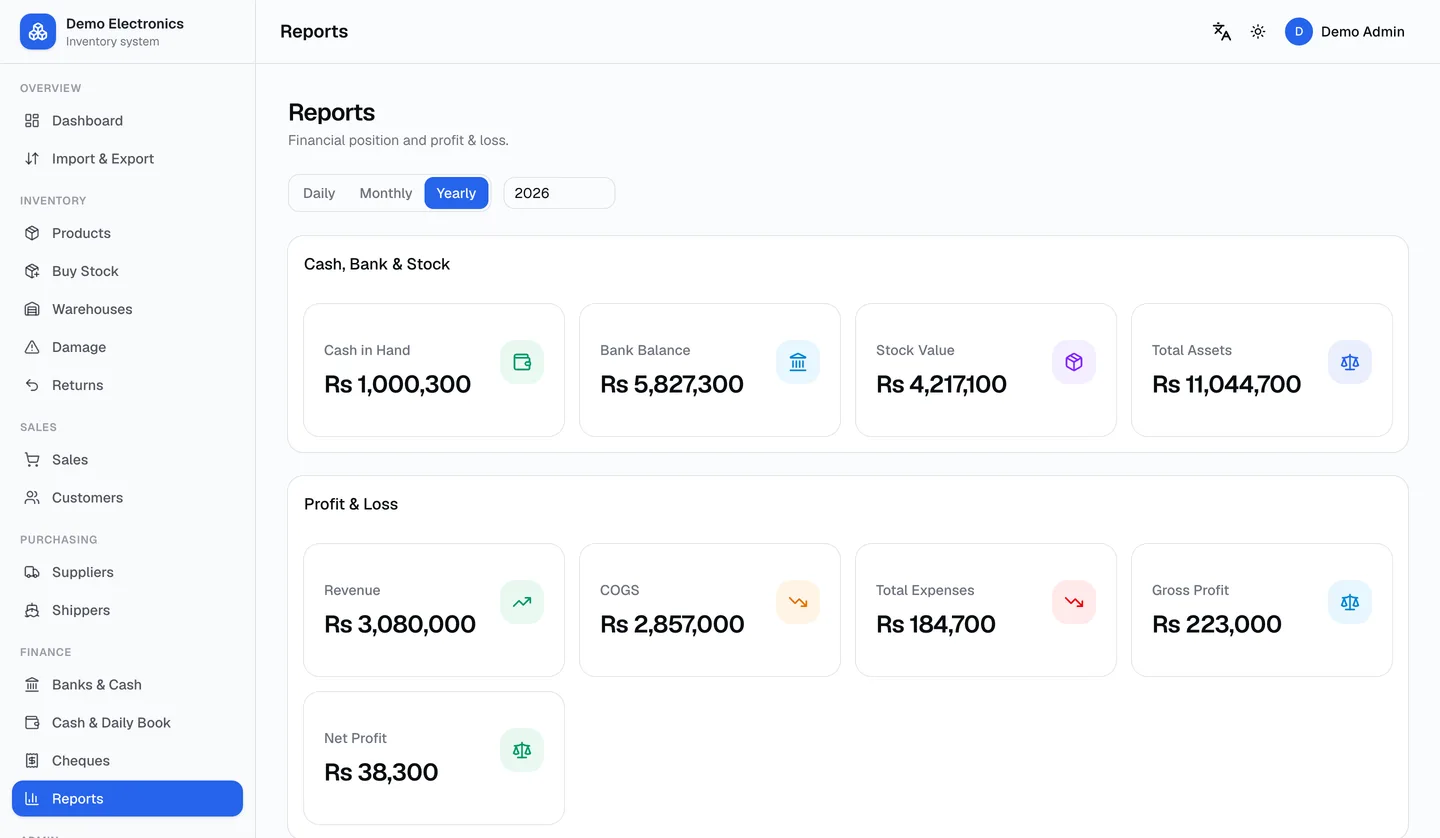
Numbers you can trust because every rupee is recorded once: revenue, cost of goods, returns, damage, expenses and shipping, in one profit & loss statement.
- Profit & loss: daily, monthly, yearly
- Sales by customer, by product, and detail
- Receivables and payables ageing
- Damage and returns losses
Team & permissions
The owner controls everything. Managers get only the modules you allow and can never delete money records. Every change is logged with who did it.
- Managers with per-module access
- Delete rights per record type
- Activity log for every change
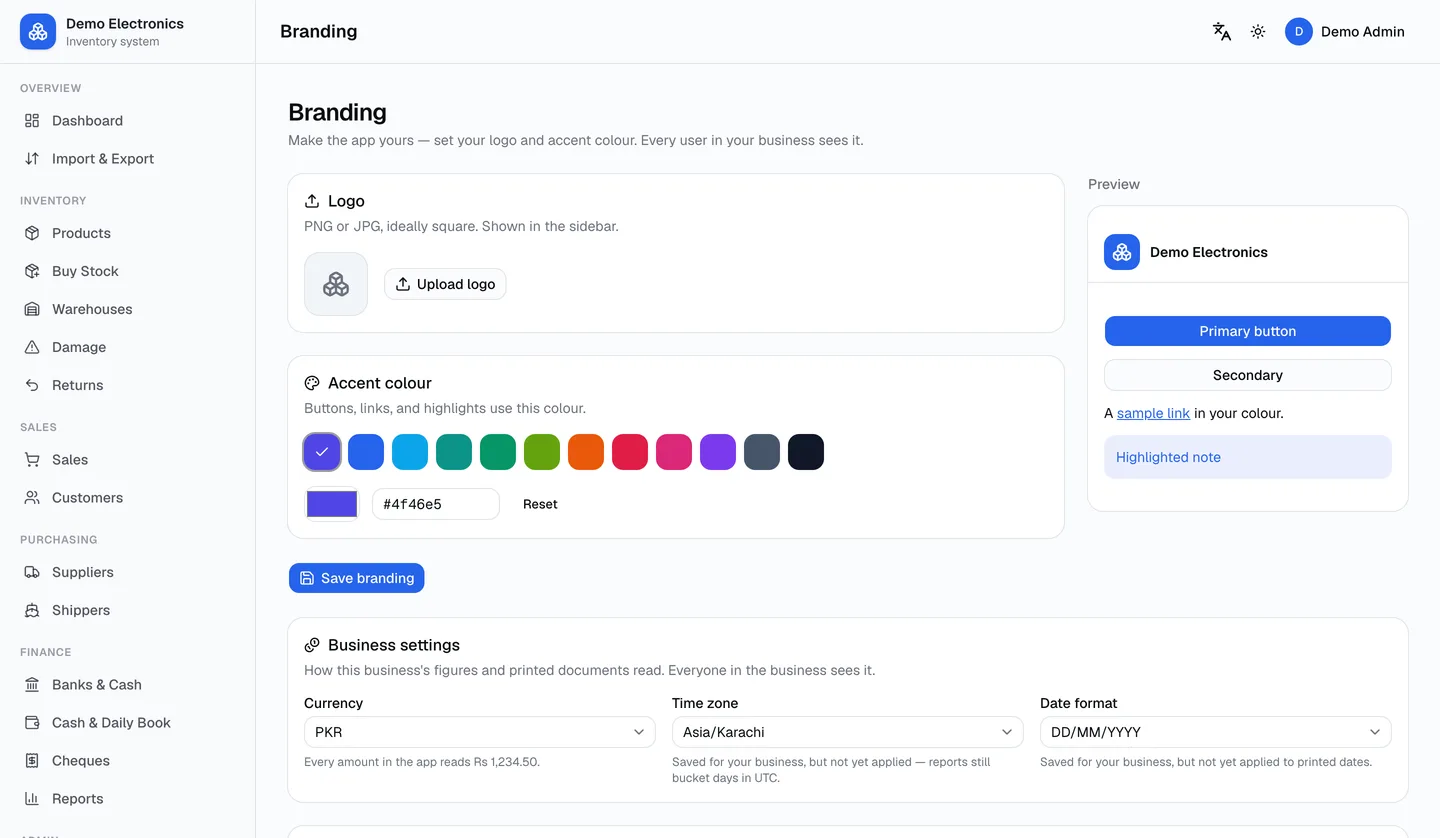
- Your business's own logo and colours
Numbers you can trust, by design
Every ledger in LiveKaatha follows the same four rules. They are why the daily book matches the drawer and the reports match the bank.
Recorded once
A sale, a purchase or a payment is written once. The customer ledger, supplier ledger, cash box and bank all read from that single record, so they can never disagree.
All or nothing
Every money operation completes fully or not at all. Stock, the party's balance and the cash box are never left half-updated, even if the connection drops.
Cheques move money only when cleared
A pending cheque changes no balance. Clear it and the bank or cash box moves; if it bounces, undo it and every figure returns to where it was.
Delete is an exact reverse
Cancel a sale, a payment or a cheque and the money and stock go back exactly where they came from, with the change written to the activity log.
Your logo, your modules, your language
LiveKaatha is one system, set up differently for every business. Nothing you switch off gets in the way, and nothing you need is missing.
Your brand
Upload your logo and pick your colour. Every user in your business sees it, on every device.
Only the modules you use
Run a single shop with cash and stock, or a trading house with cheques, shippers and warehouses. Switch modules on or off.
Your language
English, Urdu, Pashto, Hindi and Arabic, with right-to-left layout where it belongs.
Your currency and dates
Display currency, time zone, date format and payment terms are set per business.
Your own features
Need a report, a document or a workflow that is specific to your trade? We build custom features on request.
See it with your own stock
Start a 14-day free trial: every module, every platform, no card. We set up your business and first users for you.